
Meeting summary examples, blog posts and more, generated by DiaIQ
Explore content generated fully autonomously by DiaIQ, from raw recording to polished output, with human oversight.
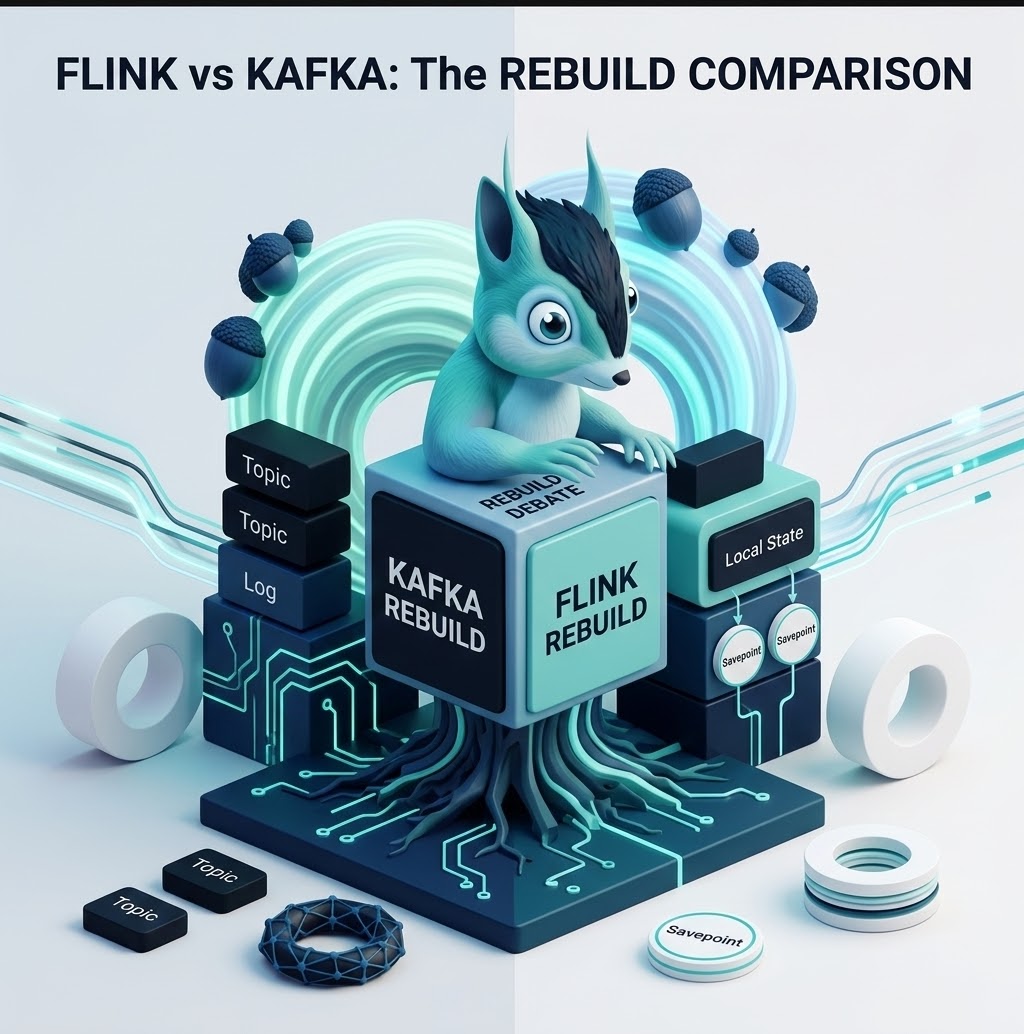
State Rebuilds: Kafka Streams vs. Apache Flink
A detailed comparison of how Kafka Streams and Apache Flink trigger, execute, and avoid state rebuilds in production stateful stream processing.

State Rebuilds: Kafka Streams vs. Apache Flink - Acosom
A hands-on look at how Kafka Streams and Apache Flink deal with state rebuilds in production, what triggers them, and what you can do about it.
Understanding Stream Processing Windows: Tumbling, Sliding, and Session
An in-depth look at windowing strategies in stream processing — when to use tumbling, sliding, and session windows for real-time analytics.
Event-Driven Architecture Patterns for Content Processing
How event-driven architecture enables scalable, decoupled content processing pipelines — from ingestion to delivery.
From Hours of Meetings to Minutes of Reading: AI-Powered Summaries
How AI transforms lengthy meeting recordings into concise, structured summaries with action items, decisions, and key discussion points.
Scaling Content Pipelines: Lessons from Processing 10,000 Videos
Practical lessons learned from scaling an AI content processing pipeline from dozens to thousands of videos per day.
Example content
questions, answered
A DiaIQ meeting summary opens with the decisions taken, then lists action items with an owner and a due date, followed by the key discussion points in the order they came up. Where a slide, diagram or code was on screen, the relevant frame is attached next to the point it supports.
Not as a download yet. The AI-powered meeting summaries post walks through a complete example with decisions, action items and discussion points, which is the same structure DiaIQ produces as a document you can export to PDF or Markdown. A downloadable sample is on the way.
The structure is the same as in the meeting summaries post: decisions first, then action items with owners, then the discussion points. DiaIQ does not send email itself yet. Export the summary as Markdown or push it to Slack, Notion or Confluence, and paste it into your mail client if email is where your team reads recaps.
The content is generated end to end by DiaIQ from the original recording. A person reviews the draft before publishing and can refine it in chat, which is the same workflow you get on your own recordings.
Yes. Upload a video, paste a stream URL or send the DiaIQ bot into your meeting. The free plan includes monthly credits, so you can produce a meeting summary, a blog post or a newsletter from your own material without a credit card.